
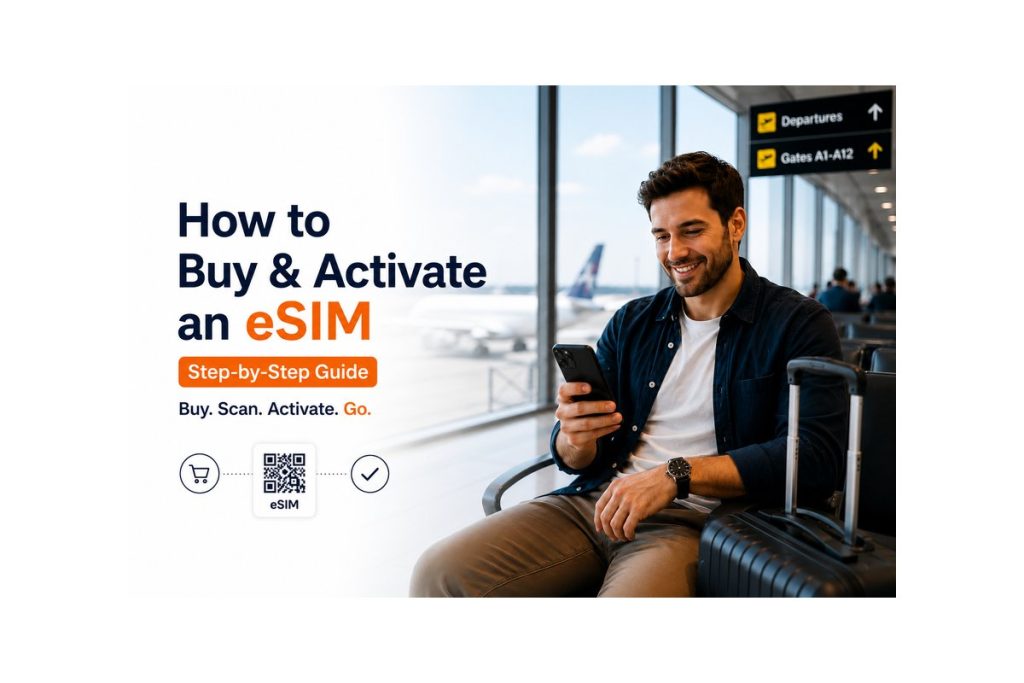
Introduction
If you’re planning to travel abroad, one of the smartest decisions you can make is switching to an eSIM.
But many travelers still wonder how the process works—from buying the plan to activating it on their phone.
The good news? It’s quick, simple, and can be done in just a few minutes.
In this guide, you’ll learn exactly how to purchase an eSIM online and activate it for international travel without any confusion.
What You Need Before Buying an eSIM
Before getting started, make sure you have:
- An eSIM-compatible smartphone
- A stable internet connection
- Your travel destination details
- An idea of your data usage
This helps you choose the right plan and avoid mistakes.
Step-by-Step Guide to Buy an eSIM
Step 1: Choose a Reliable eSIM Provider
Start by selecting a trusted eSIM provider that offers:
- Good international or regional coverage
- Transparent pricing
- Easy activation process
- Positive user experience
Simigo is a suitable choice for travelers looking for a simple and affordable option.
Step 2: Select the Right Plan
Choose a plan based on:
- Destination (single country or global)
- Data requirement (light to heavy usage)
- Validity (number of days)
Common options include:
- Prepaid international eSIM
- Unlimited data eSIM
- Regional travel plans
Step 3: Complete Your Purchase Online
Once you finalize your plan:
- Visit the official website
- Make the payment securely
- Receive your eSIM details via email
The process usually takes only a few minutes.
Step-by-Step Guide to Activate an eSIM
Step 4: Get Your QR Code
After purchase, you’ll receive a QR code. This is used to install your digital SIM on your device.
Step 5: Install the eSIM
Follow these steps on your phone:
- Open Settings
- Go to Mobile Network / SIM settings
- Tap “Add eSIM” or “Download SIM”
- Scan the QR code
Your eSIM profile will be added instantly.
Step 6: Enable Data Roaming
Turn on data roaming for the eSIM profile to ensure it works in your destination country.
Step 7: Start Using Your eSIM
Depending on the provider:
- Some plans activate instantly
- Others activate when you reach your destination
Once active, you can start using mobile data immediately.
When is the best time to activate an eSIM?
You can choose based on your preference:
- Before travel: Ready to use as soon as you land
- After arrival: Activate only when needed
Most travelers activate it just before departure for convenience.
Common Mistakes to Avoid
- Selecting the wrong country or region plan
- Activating too early and losing validity days
- Ignoring data limits
- Using unstable internet during setup
Avoiding these ensures a smooth experience.
Why Simigo Makes the Process Easier
Simigo simplifies eSIM usage with:
- Quick online purchase
- Easy QR-based activation
- Affordable global plans
- Reliable connectivity
- User-friendly interface
It is designed for travelers who want a hassle-free experience.
Helpful Tips for First-Time Users
- Save or screenshot your QR code
- Name your eSIM for easy identification
- Track your data usage regularly
- Keep your primary SIM active if needed
These small tips can make a big difference during your trip.
Conclusion
Buying and activating an eSIM for international travel is one of the easiest parts of modern travel planning.
With just a few simple steps, you can stay connected anywhere in the world without worrying about SIM cards or roaming charges.
If you’re traveling soon, switching to an eSIM can save you time, money, and effort.
Frequently Asked Questions (FAQ)
1. How quickly can an eSIM be set up and ready to use?
In most cases, the setup and activation process takes only a few minutes after scanning the QR code.
2. Can I buy an eSIM before traveling?
Yes, you can purchase your eSIM anytime and activate it later based on your travel schedule.
3. Is an internet connection required during the eSIM activation process?
Yes, a stable internet connection is needed to download and install the eSIM profile on your device.
4. Can I use my physical SIM along with eSIM?
Yes, many smartphones support dual SIM functionality, allowing you to use both simultaneously.
5. What should I do if my eSIM gets removed or deleted accidentally?
You may need to reinstall it using the original QR code or contact your eSIM provider’s support