
Introduction
Your trip is over, your bags are unpacked, and you’re back home—but what should you do with the travel eSIM you used abroad?
Many travelers simply forget about it after returning.
You don’t necessarily need to delete it immediately. Depending on the plan and your future travel plans, there are a few simple things worth checking first.
This guide covers what to do with your travel eSIM after you return home.
Should You Turn Off Your Travel eSIM?
If you’re no longer traveling, there’s usually no reason to keep the travel eSIM active for mobile data.
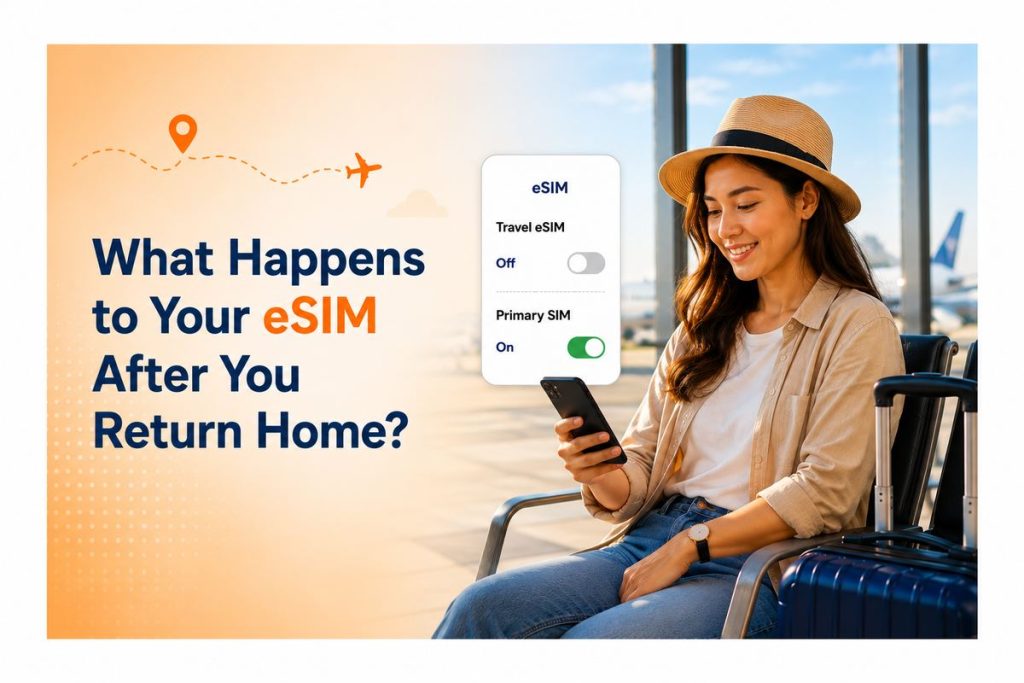
The first thing to do is switch your phone’s mobile data back to your primary SIM.
This ensures your regular connection is being used at home.
You can leave the travel eSIM installed but keep it turned off until you need it again.
What Happens When Your eSIM Plan Expires?
Travel eSIM plans normally have a specific validity period.
Once the plan expires, its data service will no longer be available under that plan.
However, the eSIM profile itself may still remain stored on your phone.
That’s why an expired plan and a deleted eSIM aren’t necessarily the same thing.
Do You Need to Delete the eSIM?
Not always.
If you don’t need the eSIM anymore and want to keep your phone’s mobile settings organized, you can remove the profile.
But if the eSIM may be useful for a future trip, keeping it installed can be more convenient.
Before deleting anything, check whether your provider allows the same eSIM profile to be reused.
Switch Mobile Data Back to Your Primary SIM
This is one of the most important steps after returning home.
Go to your phone’s mobile or cellular settings and make sure your primary SIM is selected for mobile data.
If you continue using the travel eSIM when you’re back home, it may simply have no usable service—or, depending on your setup, you could end up using the wrong line.
A quick settings check can prevent unnecessary connectivity problems.
Avoid Accidental Roaming After Your Trip
Once you’re home, review your mobile data settings.
Make sure your regular SIM is configured the way you normally use it and that your travel eSIM isn’t accidentally selected for data.
This is especially useful if you have multiple SIM profiles stored on your phone.
Can You Keep an eSIM for Your Next Trip?
Yes, you may choose to keep an old travel eSIM profile on your device.
However, whether it can be reused depends on the provider and the specific plan.
If you’re likely to travel to the same destination again, keeping the profile temporarily may be convenient—but don’t assume an expired plan will automatically work on your next trip.
Check the provider’s terms before relying on it.
When Should You Remove an Old eSIM?
Consider removing a travel eSIM when:
- The plan has expired
- You no longer need the profile
- Your phone has too many unused eSIM profiles
- You want to keep your mobile settings organized
- The provider confirms it cannot be reused
If you’re unsure, there’s no need to rush. Check the plan information first.
What If You’re Traveling Again Soon?
If another international trip is coming up, don’t automatically delete your previous eSIM.
Instead, check:
- Whether the eSIM can be reused
- Whether the destination is supported
- Whether you need a new plan
- Whether the previous plan has expired
- Whether your phone has enough available eSIM profiles
This can save you from having to redo your setup unnecessarily.
Your Post-Trip eSIM Checklist
Before completely forgetting about your travel eSIM, check these few things:
✓ Switch mobile data to your primary SIM
✓ Check whether the travel plan has expired
✓ Turn off the travel eSIM if you’re not using it
✓ Check whether it can be reused
✓ Remove it if you no longer need it
✓ Keep your regular SIM settings restored
A quick check takes only a few minutes.
Why Managing Your eSIM After Travel Matters
An eSIM makes international connectivity easier, but managing your phone settings after a trip is just as important.
By switching back to your regular mobile data, checking your plan status, and deciding whether to keep or remove the old profile, you can keep your phone ready for everyday use—and your next journey.
Why Simigo Makes Travel Connectivity Simple
Simigo is designed around making travel connectivity easier for travelers.
After your trip, you can review your eSIM status and manage your connection according to your next travel needs.
Whether you’re finishing one journey or preparing for another, keeping your mobile setup organized makes the process simpler.
Conclusion
Returning home doesn’t mean you have to immediately delete your travel eSIM.
First, switch your mobile data back to your primary SIM and check whether your travel plan has expired.
If you may travel again soon, you can keep the eSIM profile if your provider allows it. Otherwise, removing an unused profile can help keep your phone settings organized.
A simple post-trip check ensures your phone is ready for both everyday use and your next adventure.
Frequently Asked Questions (FAQ)
1. Should I delete my travel eSIM after returning home?
Not necessarily. You can keep it if you may need it again, but check whether the provider allows the profile to be reused.
2. What happens when my travel eSIM expires?
The plan’s data service normally ends when its validity period expires. The eSIM profile may still remain stored on your device.
3. Should I turn off my travel eSIM when I get home?
If you’re no longer using it, turning it off and switching mobile data back to your primary SIM is a sensible option.
4. Can I reuse an expired eSIM for another trip?
It depends on the provider and plan. Don’t assume an expired eSIM can automatically be reused.
5. What is the first thing I should do after returning home?
Check your mobile data settings and make sure your primary SIM is selected for your regular mobile data.